
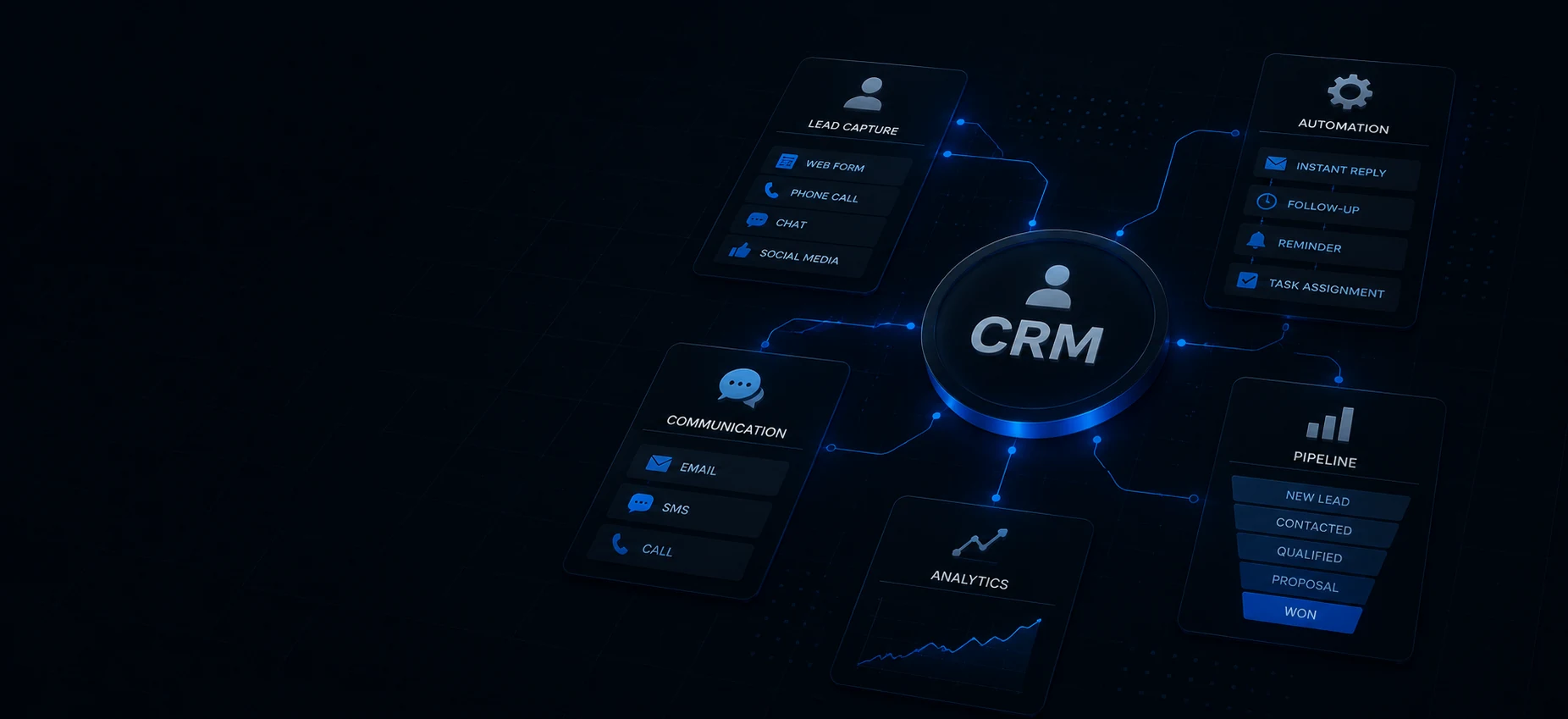
CRM & Automation
Nobody calls back a voicemail. We build the CRM that answers in seconds, follows up automatically, asks for the review, and shows where every lead stands.
Why Good Leads Go Cold
GoHighLevel built around how you actually work. Speed to lead, missed-call text back, review generation, pipelines, booking, and getting paid.
Leads Cooling Off
Taking hours to answer an inquiry while the customer calls the next name on the list.
Missed Calls, Lost Jobs
The phone rings while you are under a sink. Nobody texts back, and that job is gone.
Follow-Up by Memory
Review requests, reminders, and check-ins that only happen when somebody remembers to do them.
No Idea Where Anything Stands
Quotes, calls, and texts scattered across apps with no pipeline showing what is actually open.
Who This Is Right For, and Who It Is Not
Automation multiplies whatever is already happening. If leads are coming in and leaking, a CRM build pays for itself fast. If nothing is coming in yet, it multiplies zero. Here is who we take on for this work, and who we tell to spend the money somewhere else first.
This is a good fit if
- Service businesses where the phone and the contact form are the front door, and the job usually goes to whoever answers first.
- Owners already spending on Google Ads, Local Services Ads, or an active Google Business Profile, and losing part of that traffic to slow follow-up.
- Teams with no dedicated office staff, where the person who should call back is on a roof or under a sink the moment the lead comes in.
- Businesses running a field system like ServiceTitan, Jobber, or Housecall Pro that handles the job but does nothing before the job is booked.
- Owners who want review requests, reminders, and follow-up to happen whether or not anyone remembers to do them.
This is probably not for you if
- Businesses with no lead flow yet. If the phone is not ringing, the fix is visibility, not automation, and we will tell you that on the call instead of selling you a CRM.
- Anyone who wants cold outreach at volume, purchased lists, or long nurture funnels pointed at people who never asked to hear from them. We do not build those, and carriers increasingly do not deliver them.
- Owners who want to buy software and never look at it again. The automation answers in seconds and holds the slot, but a person still has to close. If nobody on the team will pick up the thread, no build saves you.
What You Get
What You Actually Get
Not a login and a stack of tutorial videos. A configured system built around how your business already works, wired to your number, your calendar, your services, and your voice, with us on the other end when something needs to change.
Speed to Lead Response
Every form, chat, ad lead, and Google Business Profile message triggers a text and an email within seconds, sent from your business number and written in your voice. Your phone gets a notification at the same moment so a human can jump into the thread while the customer is still holding the phone.
Missed Call Text Back
Any call you cannot answer fires an immediate text from the same number they just dialed, so the customer sees a name they recognize instead of a stranger. Replies come back as a live conversation in your inbox, not a voicemail nobody checks until Thursday.
One Inbox for Every Channel
Calls, texts, email, website chat, Google Business Profile messages, and Facebook and Instagram DMs land in a single conversation view with full history attached to each contact. Nobody has to guess whether someone already answered this person somewhere else.
A Pipeline Built Around Your Real Job Flow
Stages named after what actually happens in your business, from new lead to estimate sent to scheduled to completed to follow-up, not generic sales-team labels. Every stage gets an exit rule, so a deal that sits too long triggers an alert instead of quietly rotting.
Booking and Calendar Automation
Calendars with real availability, buffer time, and routing rules, embedded on your site and linked inside every automated message. Confirmations and reminders send on their own, and a no-show gets an automatic follow-up instead of a shrug.
Automated Review Generation
A post-job trigger sends the request by text with a direct link to your Google review form, timed to the window when people actually respond. Every customer gets the same ask, which keeps you on the right side of Google's rules on review gating.
Getting Paid Without Chasing
Text-to-pay invoices, deposit requests, and payment links you can send straight out of the conversation thread while you are still standing in the driveway. The record stays attached to the contact, so what was quoted, what was sent, and what is still open all sit in one place.
Texting and Email Deliverability Setup
A2P 10DLC brand and campaign registration for your business texting, plus SPF, DKIM, and DMARC records so automated email lands in the inbox instead of spam. This is the boring step most builds skip, and it decides whether any of the rest of it ever reaches a customer.
How a CRM Build Actually Runs
Trace Every Path a Lead Takes Today
We map how inquiries actually reach you right now, and where each one dies.
We spend an hour with you walking every entry point: the phone, the website form, Google Business Profile, Local Services Ads, referrals, the number on the truck. We write down who answers, how fast, what happens after five o'clock, and what happens on a Saturday in July. That map is what the build gets wired to, and it almost always surfaces a leak nobody knew was there.
Register the Number and the Texting
The unglamorous compliance work happens first because it takes the longest.
We set up the sub-account, then submit A2P 10DLC brand and campaign registration so your business texting is approved by the carriers instead of silently filtered. You need to hand over your EIN, legal business name, and registered address, and either add a few DNS records or give us access to do it. Approval can take days, so starting here keeps it off the critical path later.
Build the Pipeline and Wire the Automations
Stages, triggers, templates, calendars, and forms get built to match the map from step one.
We build the pipeline stages around your actual job flow, then write every automated message in your voice and send them over for edits before anything is live. Calendars get real availability and buffer rules, site forms get connected, and payment and review triggers get attached to the right stage. Your job here is to read the messages honestly and tell us which lines you would never say out loud.
Break It on Purpose Before a Customer Sees It
We run real test leads through every entry point on a real phone before launch.
We submit from each form, call the number and let it ring out, message the Google Business Profile, and time how long the response takes on each path. Then we check who got notified, whether the thread stayed in one place, and what happens when someone replies. Anything that fires twice, fires late, or lands in the wrong inbox gets fixed before a paying customer is the one who finds it.
Hand It Over and Keep Tuning
Training on the narrow daily path, then a standing monthly review of what the system is doing.
We train the people who will actually use it on one inbox and one board, because a system with fifty screens gets abandoned in a week. Each month we look at real response times, deals stuck in a stage, review pace, and no-show rates, then adjust triggers and turn off anything nobody touched. You get the same people on that call every month, not a rotating account manager.
One System That Catches Every Lead.
Built on GoHighLevel and mapped to how your business already works, not a template.
Worth Understanding
What Nobody Tells You Before You Buy a CRM
Most CRM projects fail for reasons that have nothing to do with which platform got picked. These are the four things we explain on every strategy call, whether or not the person ends up hiring us.
An Auto Reply Buys You Twenty Minutes. It Does Not Close the Job.
The Lead Response Management study led by Dr. James Oldroyd, then at MIT Sloan, found the odds of contacting a web lead drop by roughly 100 times when the callback slides from five minutes to thirty, and the odds of qualifying that lead drop by 21 times over the same delay. Harvard Business Review audited 2,241 US companies and found the average first response took 42 hours, and 23 percent never responded at all. An automated text closes that gap instantly and reserves your place in a homeowner's head while they wait. What it does not do is answer the second question, quote the job, or hold the appointment. Treat the automation as the thing that buys a human twenty minutes, not as the human.
If Your Texting Is Not Registered, It Quietly Disappears
In the US, business texting from a normal ten-digit number has to be registered through a carrier program called A2P 10DLC, which ties your brand and each messaging campaign to a verified business identity. Unregistered traffic does not bounce with an error you would notice. It gets throttled, filtered, or dropped, and the sending dashboard often still shows delivered. We have seen owners conclude that missed-call text back does not work when the real problem was that nothing they sent ever arrived. Registration takes an EIN, exact legal business details, and some patience, and it is the first thing we check on any CRM we inherit.
Filtering Out Unhappy Customers Before the Review Ask Is Against the Rules
A lot of review tools quietly do review gating: survey the customer first, send the happy ones to Google, and route the unhappy ones to a private form. Google's policies prohibit that practice, and the FTC's rules on consumer reviews target businesses that suppress honest negative feedback. Beyond the rule risk, a profile with nothing but flawless five-star reviews reads as fake to the exact shopper you were trying to impress. Ask everyone the same way, respond to every review you earn including the rough ones, and let the average land where it lands.
A Pipeline Is Only Useful If Every Stage Has an Exit Rule
Most abandoned pipelines look identical: a first column full of leads, a middle column of estimates from four months ago, and nothing moving. The fix is that no stage should be a place a deal can simply sit. Each one needs a defined exit, either an automated follow-up after a set number of days, an alert to a human, or an automatic move to lost so the board stays honest. Once a pipeline reflects reality, the report it produces is actually worth reading, and you can finally see whether the problem is lead volume or a close rate.
Frequently Asked Questions
Do I have to get rid of ServiceTitan, Jobber, or Housecall Pro?
Will automated texts sound robotic to my customers?
What is A2P 10DLC and do I really have to register?
Can I keep my current phone number?
What happens when someone replies to an automated text at 11 at night?
Is automating review requests against Google's rules?
Can you migrate the customer list I already have?
What if my team just ignores the new system?
Who owns the account and the data if we stop working together?
Listen
The Follow-Up Episodes
Three Tech Tips episodes on the parts of this that cost you jobs quietly. Answering first, replying to every review, and staying inside Google's rules while you ask for them.
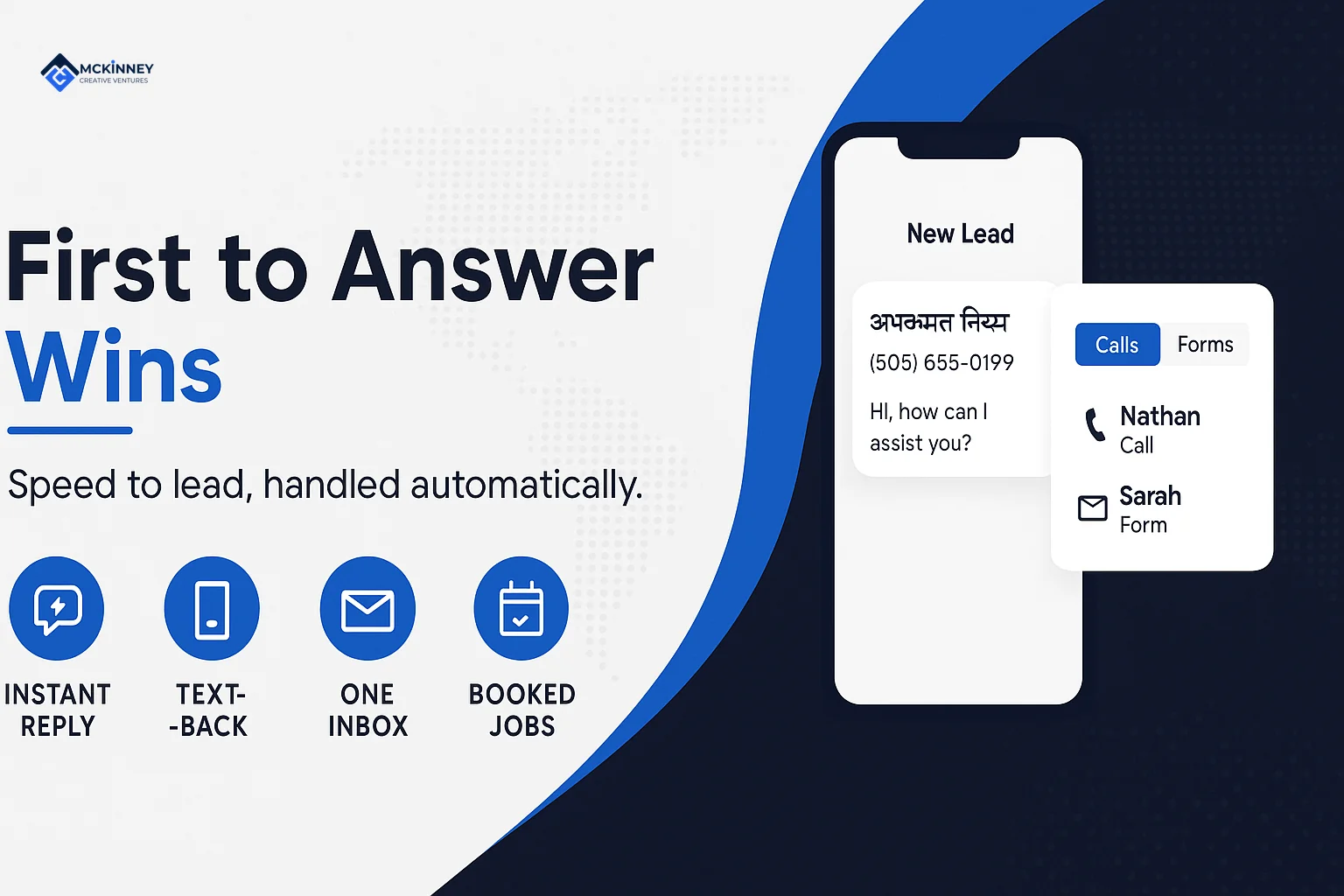
First to Answer Wins
Three and a half minutes on speed to lead, which is the entire reason missed-call text back and instant reply automation exist.
Episode 2 · 3:34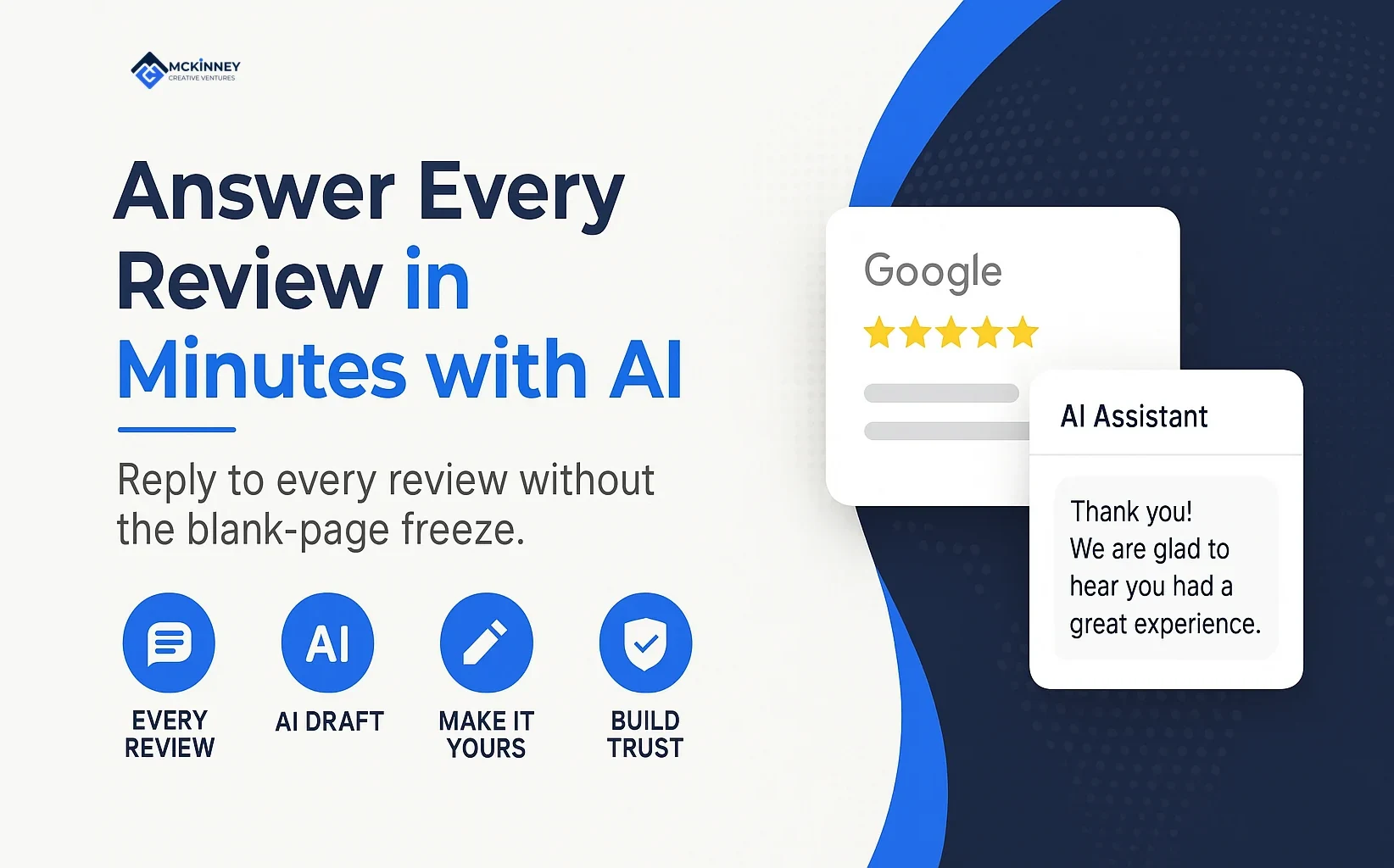
Answer Every Review in Two Minutes (with AI)
Review generation is only half the job. This is the two minute version of actually replying to every one of them.
Episode 6 · 3:24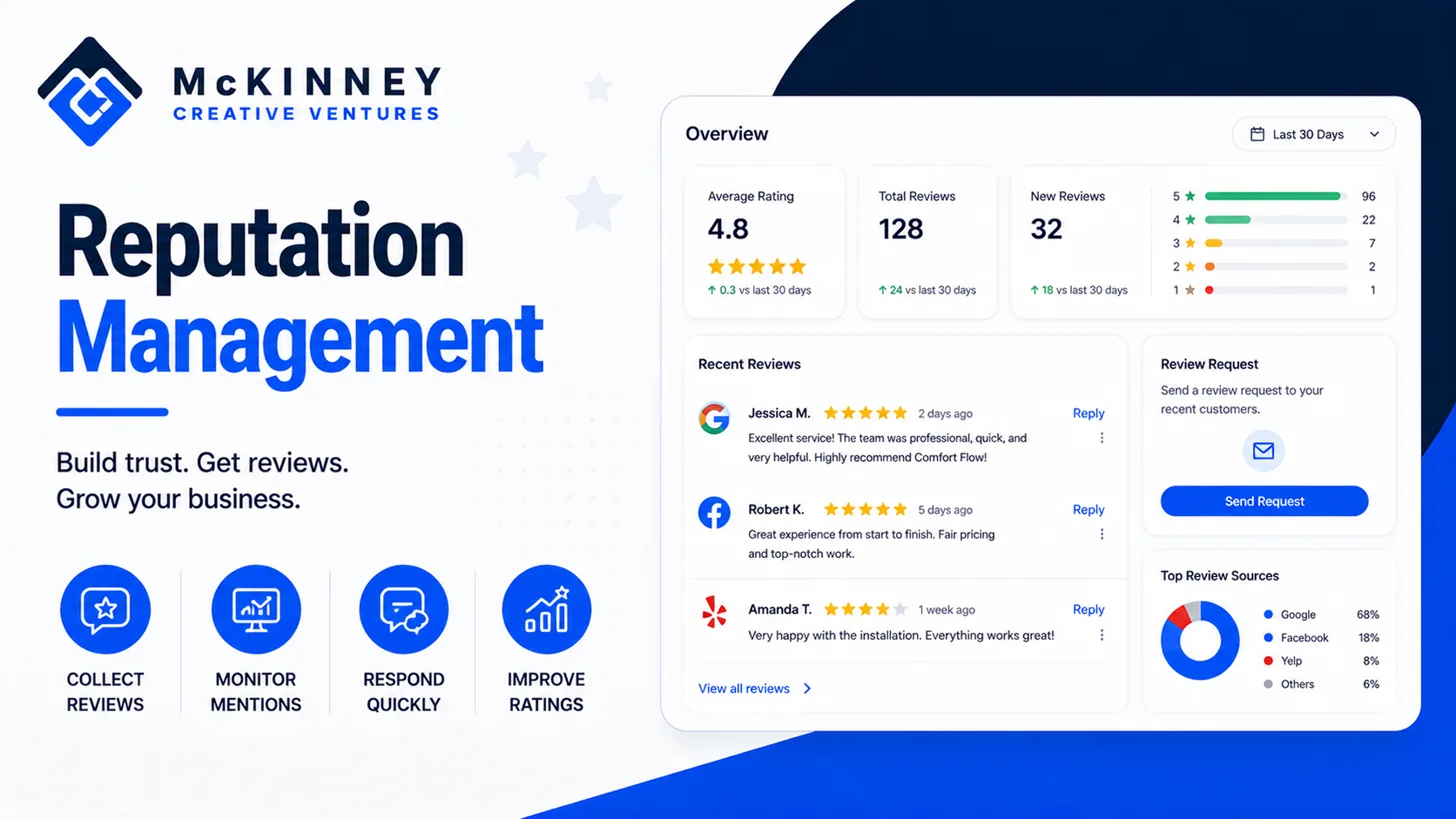
The 2026 Google Review Policy Updates
The longest Tech Tips episode Sam has recorded. Listen before you automate a single review request, because Google tightened the rules in April 2026.
Episode 1 · 13:40More on CRM & Automation
We write up what we learn doing this work. These articles go deeper than a service page can.
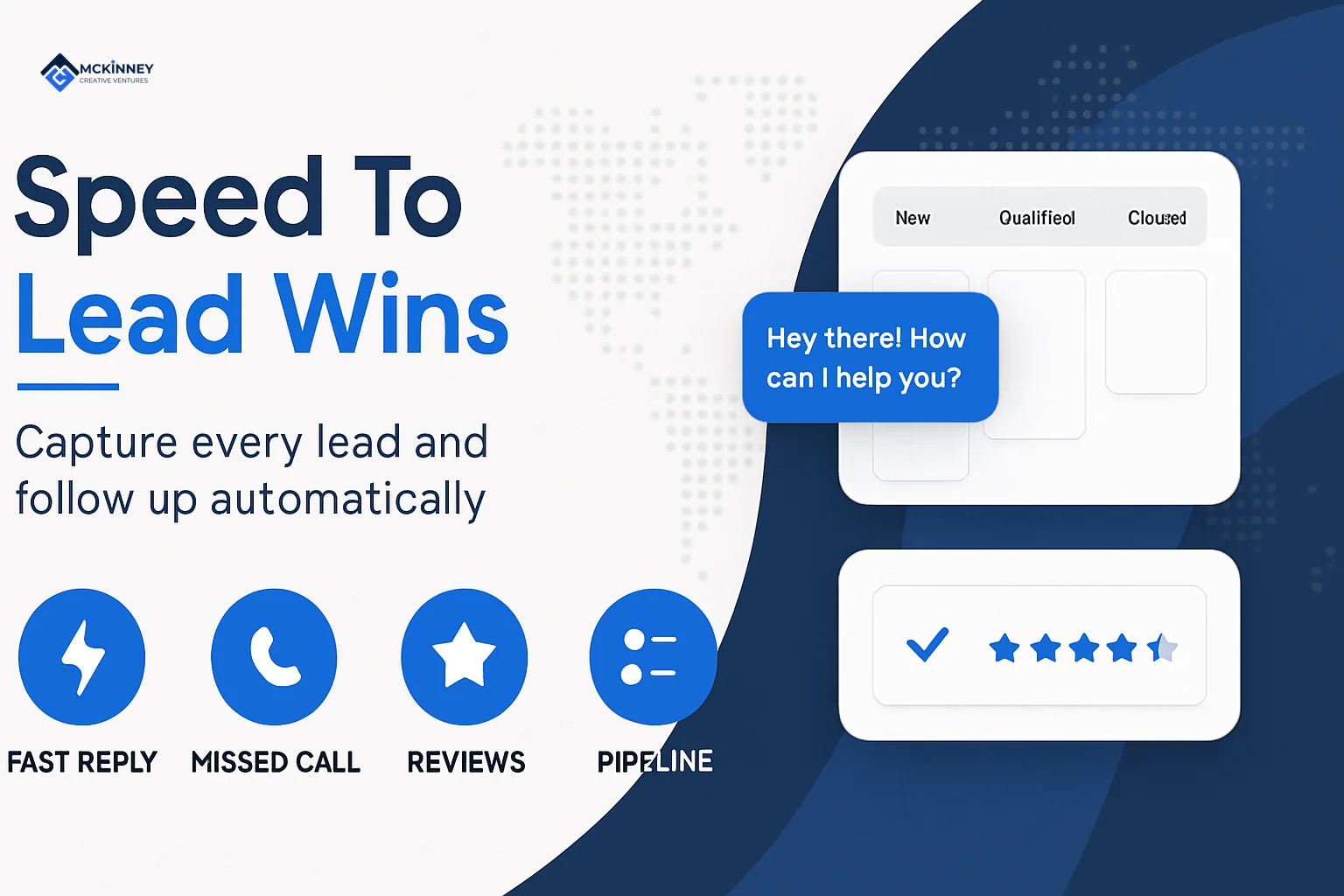
Speed to Lead: Why the First Five Minutes Decide the Job
The research behind everything on this page, including the study that found contact odds drop 100 times between a five minute and a thirty minute callback.
Read the article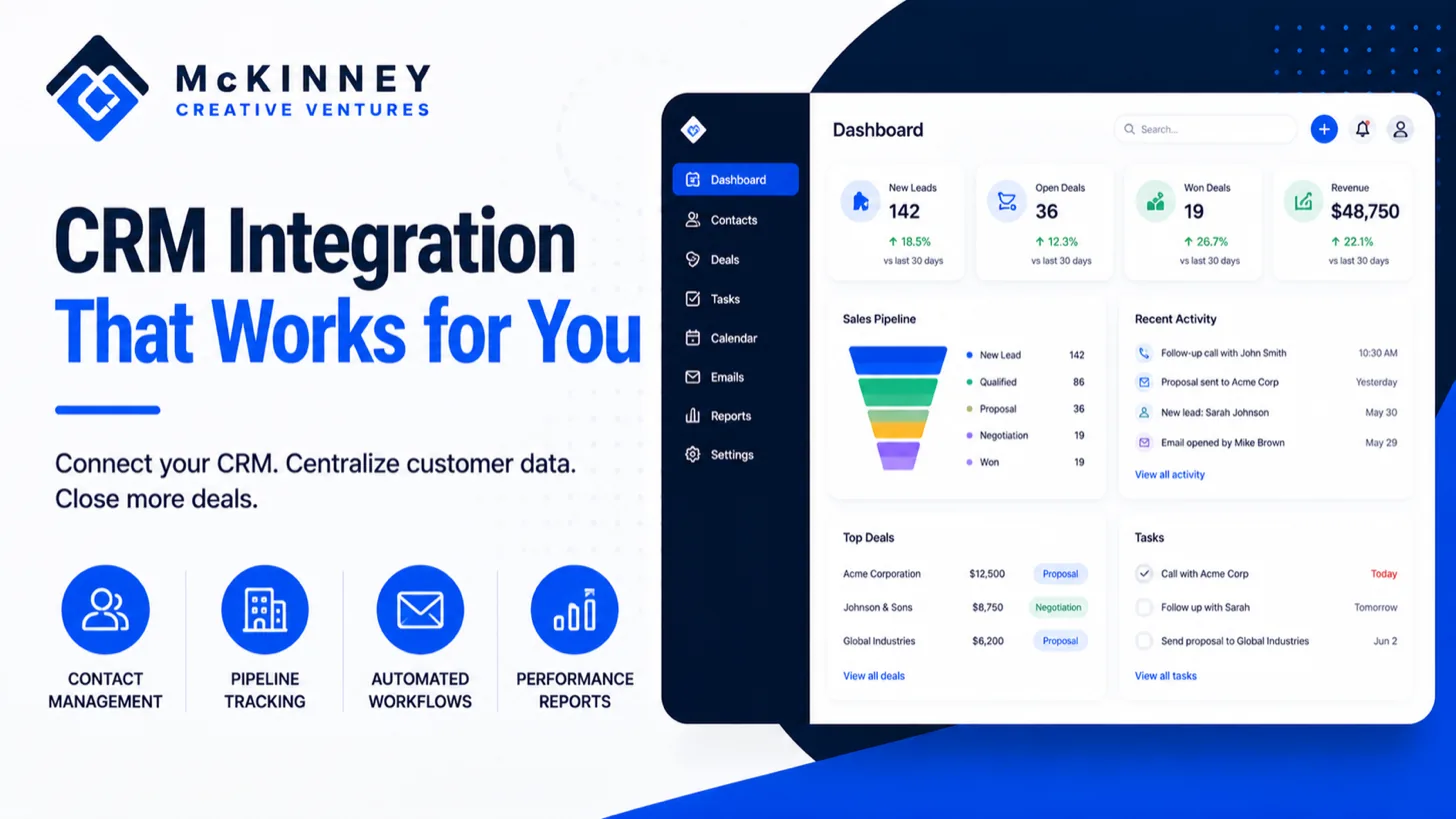
The Complete Guide to CRM Systems for Local Service Businesses
Start here if you are still deciding whether you need a CRM at all. It covers what one actually does and where spreadsheets stop holding up.
Read the article
GoHighLevel vs HubSpot vs Zoho: An Honest Comparison for Small Business Owners
We build on GoHighLevel, and this is our honest case for why, including the situations where one of the other two is the better call.
Read the article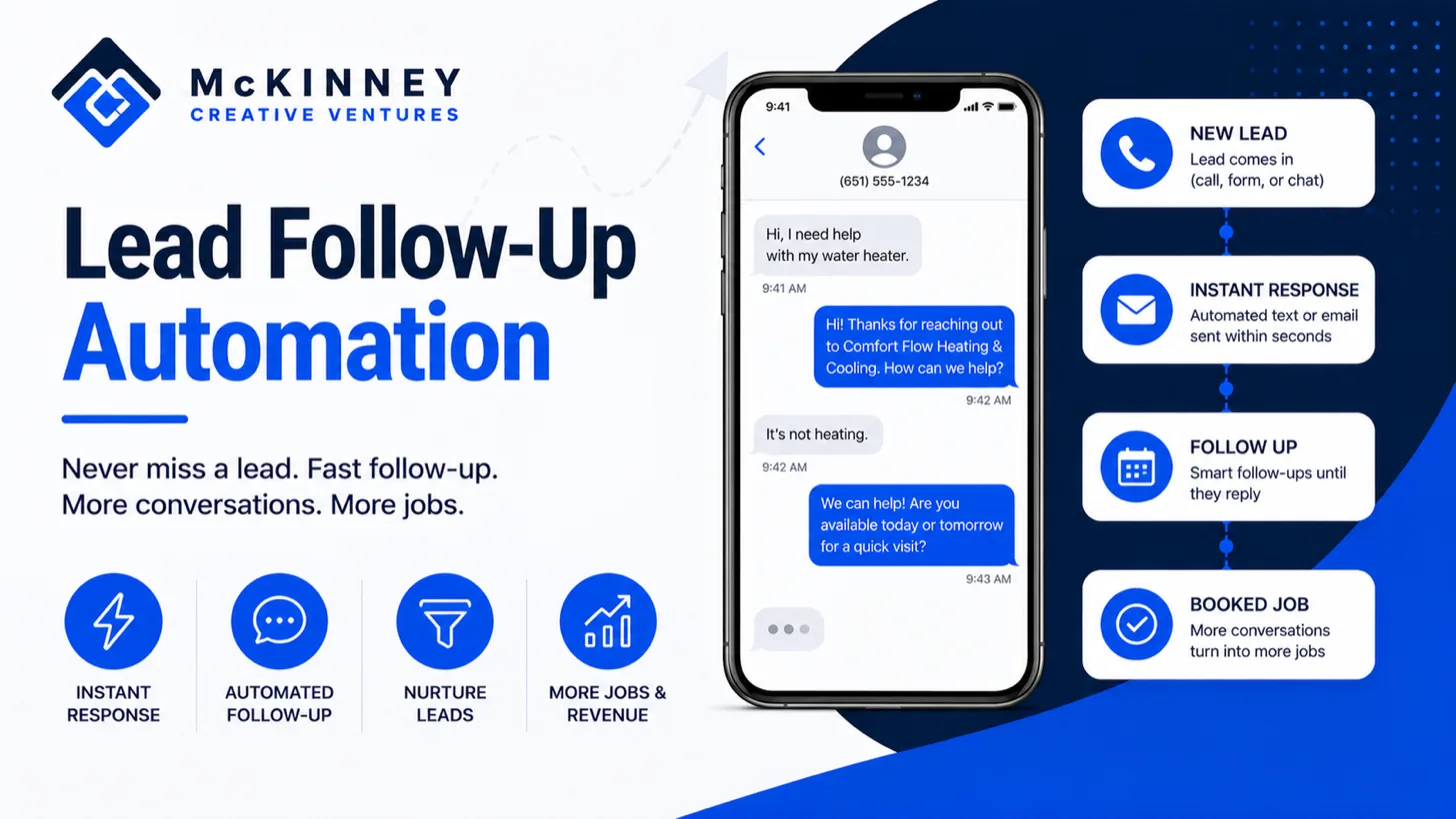
Lead Follow Up Automation That Turns Cold Leads Into Booked Jobs
The exact follow-up sequence we build, laid out step by step, so you can see the timing and the messages before you hire anyone to do it.
Read the article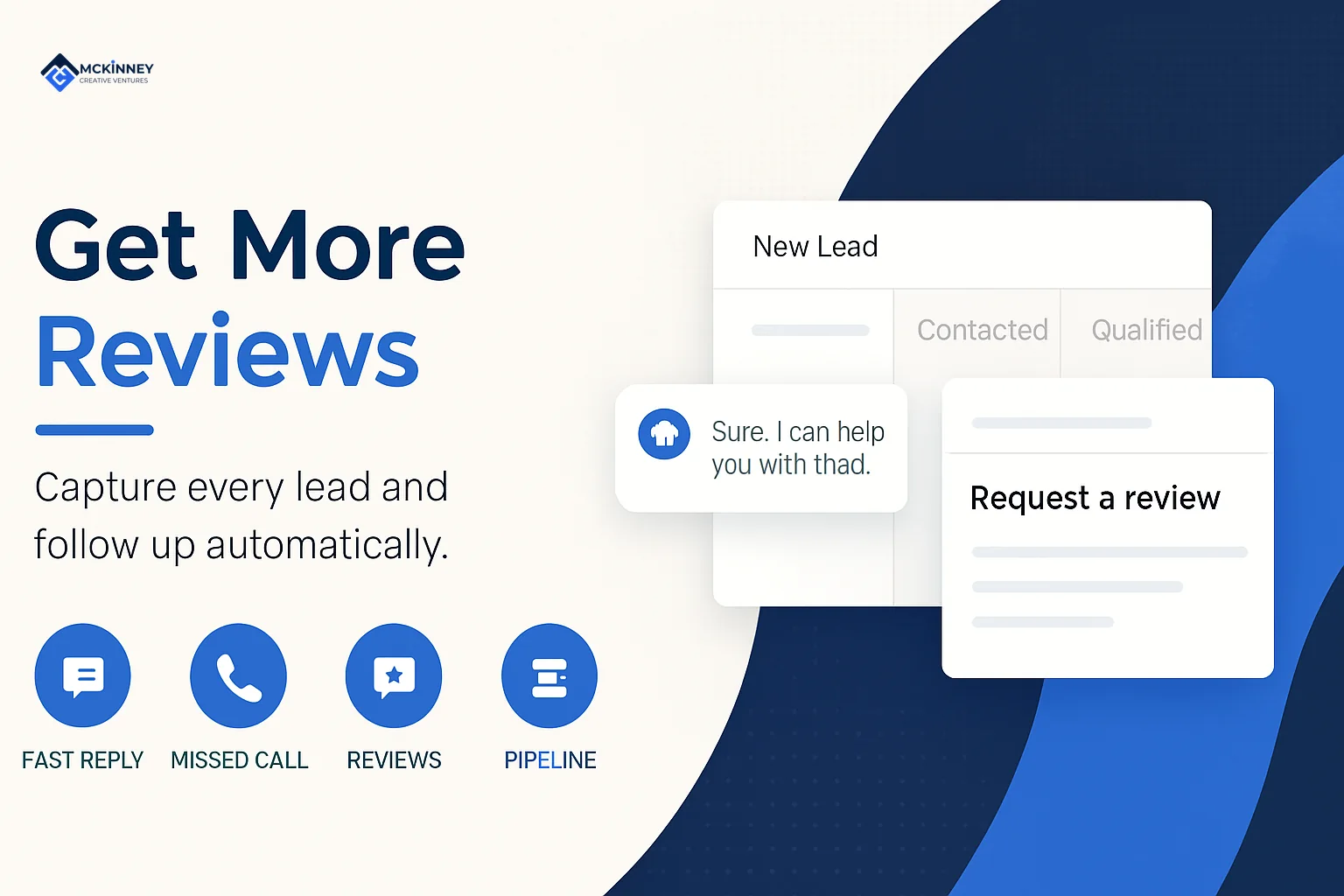
Automated Review Generation: How to Build a System That Earns 5-Star Reviews
How the review side works, what timing gets the most responses, and why gating your review requests will eventually cost you.
Read the article