

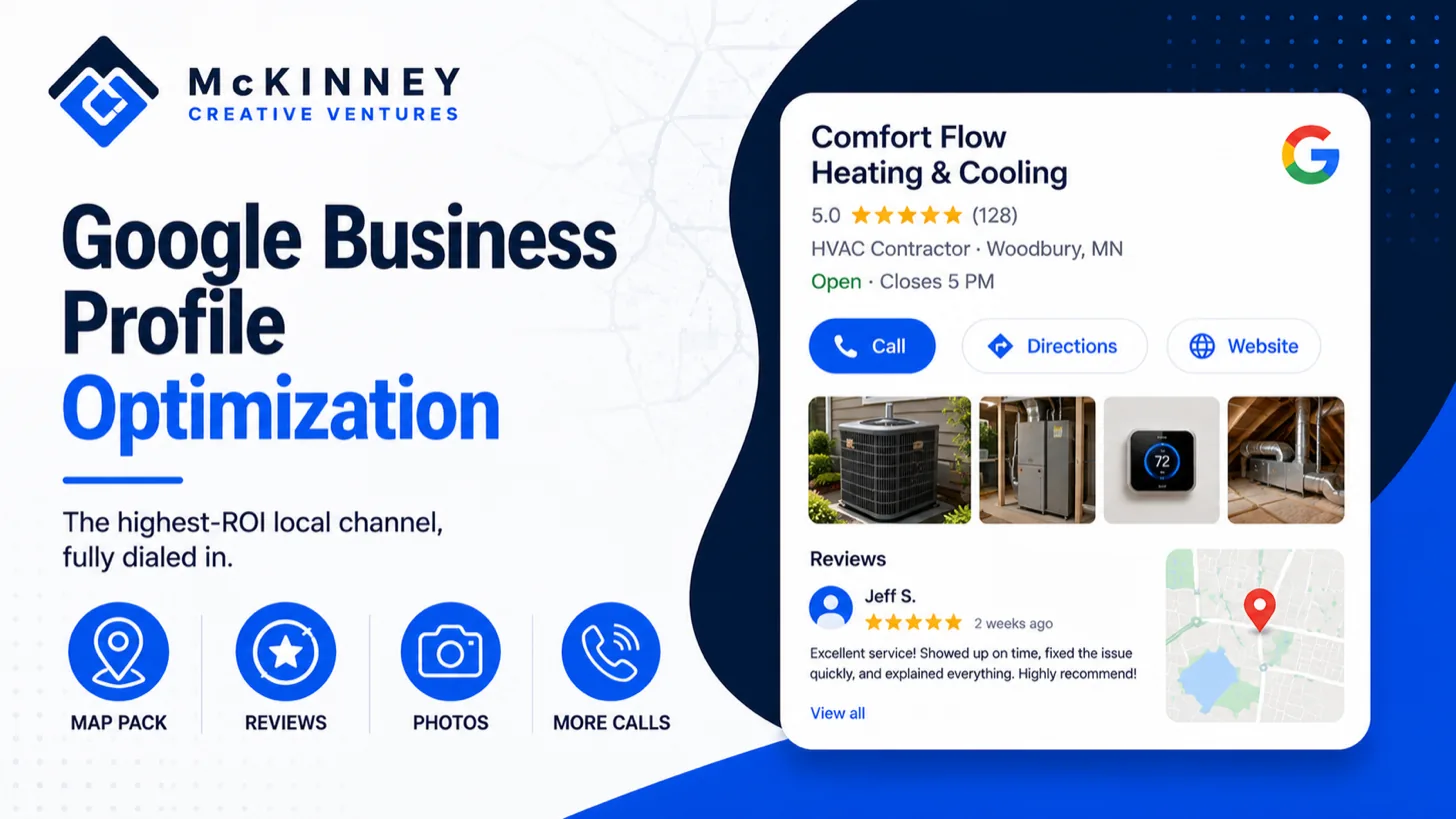
Google Business Profile optimization means filling in each field of the profile accurately, following Google's rules for it, and checking it on a schedule. This guide is for service businesses in Minnesota and western Wisconsin, including the Twin Cities East Metro and the St. Croix Valley, and every rule below comes from a Google Help page linked beside it.
McKinney Creative Ventures is based in Woodbury. The post covers setup and ongoing management. Verification, suspensions and review policy have their own guides, which we link where they matter.
How Google ranks local results
Start with what the profile can and cannot influence. Google's page on improving your local ranking says local results are mainly based on relevance, distance and popularity. It describes relevance as how well a profile matches a search, and says complete and detailed business information helps Google match you to relevant searches. Distance is how far the business is from the person searching. Prominence is how well-known a business is, which the page ties to information such as links to the business and the number of reviews. The page also says there is no way to request or pay for a better local ranking.
You cannot change distance, so the work is relevance and prominence. Relevance comes from accurate, complete fields. Prominence builds from reviews and a real reputation over time.
Google Business Profile optimization in Minnesota: the fields that define your business
Business name
Google's guidelines for representing your business say the name should reflect your real-world name as used consistently on your storefront, website and stationery. It must not include marketing taglines, hours, phone numbers or website URLs, and it must not include service or product information. The page's own example is that a name like "Midas Auto Service Experts" should be entered as "Midas." Special characters and legal terms such as LLC are allowed only if you can show real-world proof that they are part of the name. The page says unnecessary information in the name is not permitted and could result in suspension, so leave the services for the services field.
Categories
Google's page on managing your business category says the categories you select affect your local ranking. Choose a specific primary category that best describes the business, and Google's own example is choosing "Nail salon" over "Salon." The guidelines page asks for the fewest categories that describe your core business, and the category page says not to choose a category for every product or service. Google's page on editing your Business Profile says you can select up to 9 more categories besides the primary one, and advises against using categories solely as keywords. If you add or edit a category, Google may ask you to verify the business again.
Address and service area
Google's service-area business guidance says that if you do not serve customers at your business address, you should remove the address and enter only your service area. A hybrid business that serves customers at its address and also visits them can show both. You can set up to 20 service areas by city, postal code or similar area, and you cannot set a radius. The page also says the boundaries of your overall area should not be more than about 2 hours of driving time from where you are based.
For a plumbing, heating or electrical company based in Woodbury or Stillwater, that gives room to cover the East Metro and to add Hudson or River Falls when the company actually works there. Choose areas for the work you can staff. Twenty slots will not cover every town, and listing places you rarely serve invites calls you will decline. A contractor who works in Wisconsin should confirm that state's licensing requirements for the trade.
Hours and special hours
Google's guidelines ask for your regular customer-facing hours and allow your current seasonal hours as your regular hours. Its special hours page says you can use special hours for holidays, special events and other exceptional circumstances, and recommends confirming hours for official holidays even when they match your regular hours. In our view, that includes Minnesota's holiday weekends and the blizzard or ice-storm days when a crew stops work. Google's page on marking a business as closed says to use "Temporarily closed" when a business is closed for more than 7 days, closed for the off-season or closed indefinitely, and to use special hours for 7 days or less. The special hours page says up to 6 days in a row, so check both pages for a closure near a week. A lawn care company shutting down for the winter is our example of an off-season closure.
Services, photos, posts and reviews: what customers see
Services and products
For categories that offer it, including service businesses, Google's services editor lets you choose from suggested services and add custom ones, and you can add a description and price to each. Custom service names should not contain profanity, gibberish, personal information, prices or phone numbers. This is where seasonal work belongs: furnace tune-ups and boiler repair in the fall, sump pump work in spring, air conditioning and irrigation in summer. Update the list when the season changes so the profile matches the calls you want.
Business description
The guidelines say the description should give useful information on the services and products offered and the mission and history of the business. It must not focus on special promotions, prices or sales. Google's editing page sets a limit of 750 characters, and the guidelines page says no links of any type are allowed. Write it for a customer, name the area you serve in plain words and leave out phrases you would not say aloud.
Photos and videos
Google's photo and video page says photos should be JPG or PNG, between 10 KB and 5 MB, with a 250 pixel minimum and 720 by 720 recommended. They should be in focus and well lit, without significant alterations or heavy filters, so that the image represents reality. Videos can be up to 30 seconds and 75 MB. The page says photos and videos show on Google only after you verify the profile. Real photos of trucks, crews and finished work fit those rules better than stock images.
Posts
Google's page on posts describes three types: updates, offers and events. It says posts older than 6 months are archived unless a date range is set, and that you can schedule posts. Posts are reviewed against Google's posts content policy before they go live. For a seasonal business, a post that announces fall furnace tune-up availability or spring irrigation start-ups stays accurate for a defined period. We do not know of a posting frequency that Google rewards, so we do not recommend a weekly quota.
Reviews and replies
Reviews feed prominence, and Google's tips to get more reviews say they must reflect a genuine experience and that offering incentives for reviews is prohibited. That page also suggests asking customers to visit a Google link or scan a QR code, and replying to reviews in a short, professional and non-promotional way. We cover the mechanics in our review generation guide.
Google Business Profile management: who owns it and what to check
Management starts with ownership. Google's page on owners and managers says an owner has full control, including adding and removing users, and that a profile can have multiple owners but only one primary owner. Managers have mostly the same access, except that they cannot add or remove users or remove the profile. The page recommends that each person use their own Google Account instead of sharing a password. You add people from the profile's settings under People and access.
In our view, the business owner should hold the primary ownership and give a marketing company or employee manager access. That way the profile stays with the business if a vendor changes. If a profile has been suspended or needs verification, our guides to suspension prevention and video verification cover those cases.
Set a monthly routine and one extra check each season. This table pairs each field with what Google's pages say and what we would look at.
Scroll to see all columns
| Field | What Google's page says | What to check each month or season |
|---|---|---|
| Business name | Real-world name, no taglines, hours, phone or URL | Still matches the truck, sign and website |
| Categories | Specific primary category, fewest needed, affects local ranking | Still describes the core work after any service change |
| Service area | Up to 20 areas, no radius, about 2 hours of driving at most | Matches where crews really go this season |
| Hours | Regular hours, special hours for holidays and exceptional circumstances | Holiday weekends, storm closures, seasonal shutdowns |
| Services | Suggested and custom services, with optional descriptions | Seasonal work added or removed |
| Description | Useful information, no promotions or links, 750 characters | Still accurate, no stale offers |
| Photos | In focus, well lit, representing reality | New real jobs added |
| Posts | Updates, offers and events, archived after 6 months unless dated | One post for the current season |
| Reviews | Genuine experiences, no incentives, replies are public | New reviews answered, same request process for every customer |
| Owners and managers | One primary owner, managers cannot add or remove users | Former employees and vendors removed |
Compare the profile with your website once a quarter. The name, phone number, services and areas on both should agree. If the site carries LocalBusiness structured data, Google Search Central's local business structured data documentation says that markup is one way to tell Google about business hours, so update it when your profile hours change. Our SEO, GEO and AEO work includes reviewing Business Profile categories, services, hours, contact details and service areas against what the business offers, and keeping that information consistent across the places customers use to evaluate it. If you want help setting up or managing yours, contact us.