
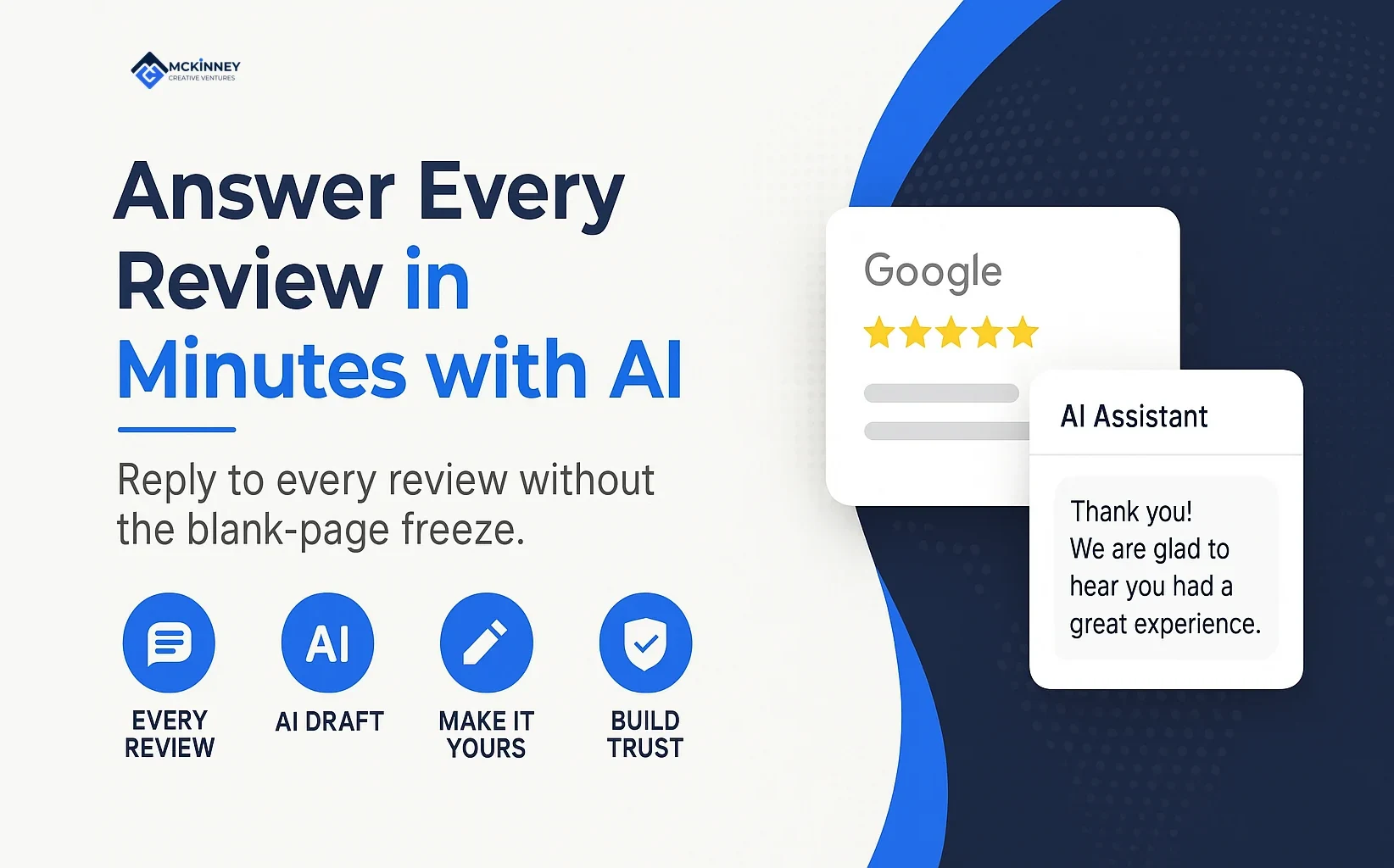
To respond to Google reviews faster, give an AI assistant your rules once, let it draft each reply, and edit the draft until it sounds like you before you post it from your Business Profile. This guide goes with Tech Tips Tuesday episode 6, "Answer Every Review in Two Minutes (with AI)," and is for owners of plumbing, HVAC, electrical and other service businesses in Woodbury, Lake Elmo, Hudson, Wisconsin, and the rest of the Twin Cities East Metro and St. Croix Valley.
Below we cover where replies are posted and edited, who can reply, a drafting workflow, three sample replies, what never goes into a reply or an AI tool, and when to call the customer instead. If a review looks fake or breaks Google's rules, our guide to Google review policies covers it.
How to respond to Google reviews in Business Profile
Google's help page on managing customer reviews says you must verify your business before you can reply. After that, the steps it gives are:
- Go to your Business Profile and select Read reviews.
- Next to the review, select Reply.
- Enter your reply in the dialog box and select Reply again.
The same page says Google checks replies against its content policies and asks you to edit one that is not approved. Replies usually take up to 10 minutes to review, but a review can sometimes take up to 30 days. An approved reply is posted publicly under the customer's review and appears as your business replying, without your personal name. The reviewer is notified, and the page says customers can still change their review after reading your reply.
To change a reply, open Read reviews, select Edit under the reply, change the text and select Update. The same page describes a Delete option under the reply.
Google's page on owners and managers says additional owners and managers can help with daily operations, including responding to reviews. It says each user needs their own Google Account. Decide who may reply and which sign-off they use.
Why replies are worth your time
Google's page on improving your local ranking lists responding to reviews among its tips. It says that replying shows you value feedback and that positive reviews and helpful replies can help your business stand out. It does not say how much a reply changes your ranking, and we do not either.
Customers have views of their own. BrightLocal's Local Consumer Review Survey 2026, published in February 2026 from 1,002 US adults, reports that 89% of consumers expect business owners to respond to reviews. It also reports that templated or generic responses make 50% of consumers unlikely to choose a business, and that 19% expect a same-day response while 81% expect one within a week. The survey panel is US-wide.
Google's review tips page adds a caution. It advises focusing on reviews where you can share a helpful update or answer a question, and it asks for replies that are short, simple, polite and conversational. In our reading, the sources fit together: BrightLocal's respondents expect a reply, and Google asks that each reply add something specific, so we give every reply one detail from that review.
Replies are the second half of the review loop. Our review generation guide covers asking for the review, and our CRM and automation service includes review requests.
A drafting workflow that keeps your voice
Give the assistant your rules once
Write the rules in a short block and save them where your tool keeps standing instructions, or paste the block at the top of each chat. Here is a starting set, based on Google's tips above:
- You draft replies to Google reviews for [business name], signed by [owner first name].
- Write two to four plain, warm sentences. No slogans.
- Address the reviewer by the first name shown on the review.
- Respond only to what the reviewer wrote. Do not add job details, prices, dates, crew names or promises, and do not confirm that someone is a patient or client of a health care or similar practice.
- Never offer a discount, refund, free service or any incentive.
- Do not mention a town, service or keyword the reviewer did not write.
- For a complaint, acknowledge what they wrote, apologize where it fits, and invite them to call or email the office. Do not argue or assign blame.
- Vary the opening line. Give me two options of different length.
Then paste only the review text, as it appears publicly. Our guide to ChatGPT routines for small business owners covers saving prompts and keeping a review step before anything leaves the building. This workflow applies the same idea to review replies.
Edit before you post
The draft is a starting point. Read it aloud and change anything you would not say to a customer. Check each fact against the review, delete anything the reviewer did not write, and swap generic lines for one detail from their own words. Look for private details, offers and town names that slipped in, and vary the opening from your last few replies. For a complaint, make sure the reply invites a call and does not argue the facts in public. Plan most of your time for this edit and these checks.
Replies to positive, mixed and negative reviews
Scroll to see all columns
| Review type | What the reply does | What to leave out | When to call instead |
|---|---|---|---|
| Positive | Thanks the reviewer and picks up one thing they wrote | Offers, extra job details and any request for something in return | Rarely needed, unless the review raises a question you cannot answer in two sentences |
| Mixed | Thanks them, accepts the fair point and says what you can and cannot do | Excuses, a long timeline and anything that sounds like blame | When sorting it out needs the job file, a schedule or a bill |
| Negative | Acknowledges what they wrote, apologizes where it fits and invites a call or email | Arguments, private details, offers and accusations | Whenever the facts matter, which is most of the time |
| Suspected fake or policy-breaking | Flag the review with Google before you decide whether to reply | Any reply that argues the case in public | Not applicable. Flag the review with Google |
The three examples below are illustrative. The business, the owner and the reviewers are invented, and the reviews are written for this guide. Each reply was checked against the rules above.
Positive. Priya, a reviewer from Lake Elmo, writes: "Our water heater died on a Sunday morning. Dunmorrow Plumbing had a new one in by the afternoon, and the tech explained every step." The reply: "Thank you, Priya. A water heater that quits on a Sunday is a rough start to the day, and we are glad the tech explained each step along the way. We appreciate you taking the time to write this. Dana, Dunmorrow Plumbing"
Mixed. Tomas, from Woodbury, writes: "The sump pump work was good, but the crew showed up two hours after the window they gave us and nobody called." The reply: "Thank you for the honest review, Tomas. We are glad the sump pump work met your standard, and a late arrival with no call is a miss on our side. We are sorry. If you want to talk it through, please call the office from the number on this profile. Dana, Dunmorrow Plumbing"
Negative. Gwen, from Hudson, Wisconsin, writes: "I left two messages about a leaking pipe and never got a call back. I hired someone else." The reply: "Gwen, we are sorry about the unanswered messages. A leaking pipe cannot wait, and you should have heard from us. We would like to understand what happened on our end, so please call the office at the number on this profile. Dana, Dunmorrow Plumbing"
Reviewers sometimes name their town in the review itself. None of the three reviews above does, and your reply should not add a town the reviewer did not write, which in our view would read as keyword stuffing.
Privacy: what never goes into a reply or an AI tool
For every business
Replies are public, and Google's tips say never to share a reviewer's private information. They suggest that, if a situation is complex, you politely ask the reviewer to contact you by phone or email to resolve it privately. Apply the same habit to the assistant: do not paste a phone number, address, invoice, job notes or payment details into an AI tool. The public text of the review is enough.
Read the terms of the tool you use. OpenAI's page on how your data is used to improve model performance, read on November 18, 2026, says that for individual plans (Free, Plus and Pro) it may use your content to train its models. You can opt out by turning off "Improve the model for everyone" under Settings, Data controls in ChatGPT, or by using its Privacy Portal. The page also says that thumbs up or thumbs down feedback can lead to the whole conversation being used even after you opt out, and that ChatGPT Business, Enterprise and Edu and the API are not used to improve models by default. Other assistants have their own terms, so check whichever one you use.
For health care businesses
The U.S. Department of Health and Human Services says the HIPAA Rules apply to covered entities and business associates. Its page lists doctors, clinics, psychologists, dentists and chiropractors as providers that can be covered entities, but only if they transmit health information electronically in connection with a transaction for which HHS has adopted a standard. HHS's Office for Civil Rights has announced settlements with providers over replies to reviews and other social media disclosures:
- Elite Dental Associates of Dallas, announced in 2019, agreed to pay $10,000 and adopt a corrective action plan to settle potential HIPAA Privacy Rule violations over social media disclosures of patients' protected health information.
- New Vision Dental in California, announced in 2022, settled over disclosure of patient protected health information in response to online reviews, paying $23,000 and agreeing to a corrective action plan.
- Manasa Health Center, a New Jersey provider of adult and child psychiatric services, announced in 2023 that it paid $30,000 and agreed to a corrective action plan after a complaint received in April 2020 that it disclosed a patient's protected health information when it posted a response to a negative online review.
In our reading, these settlements are a reason for a covered entity to avoid confirming that a reviewer is a patient and to invite them to call instead. This is general information and not legal advice, so ask your attorney how HIPAA applies to your practice.
When to call the customer instead
Step away from the keyboard when a review describes a billing dispute, a safety problem or a job where you need the file before you say anything. Google's tips say to explain what you can and cannot do and to respond promptly, and a call lets you do both without airing the details in public. After you have spoken, a short public reply is fine.
If you want help making genuine review requests and thoughtful responses part of the customer experience, contact us.